INCLUDED & FREE
WordPress Manager
Install, secure, update, back up and clone WordPress sites straight from the panel — no FTP, no juggling logins. Every WordPress install under an account is discovered automatically and managed from one dashboard.
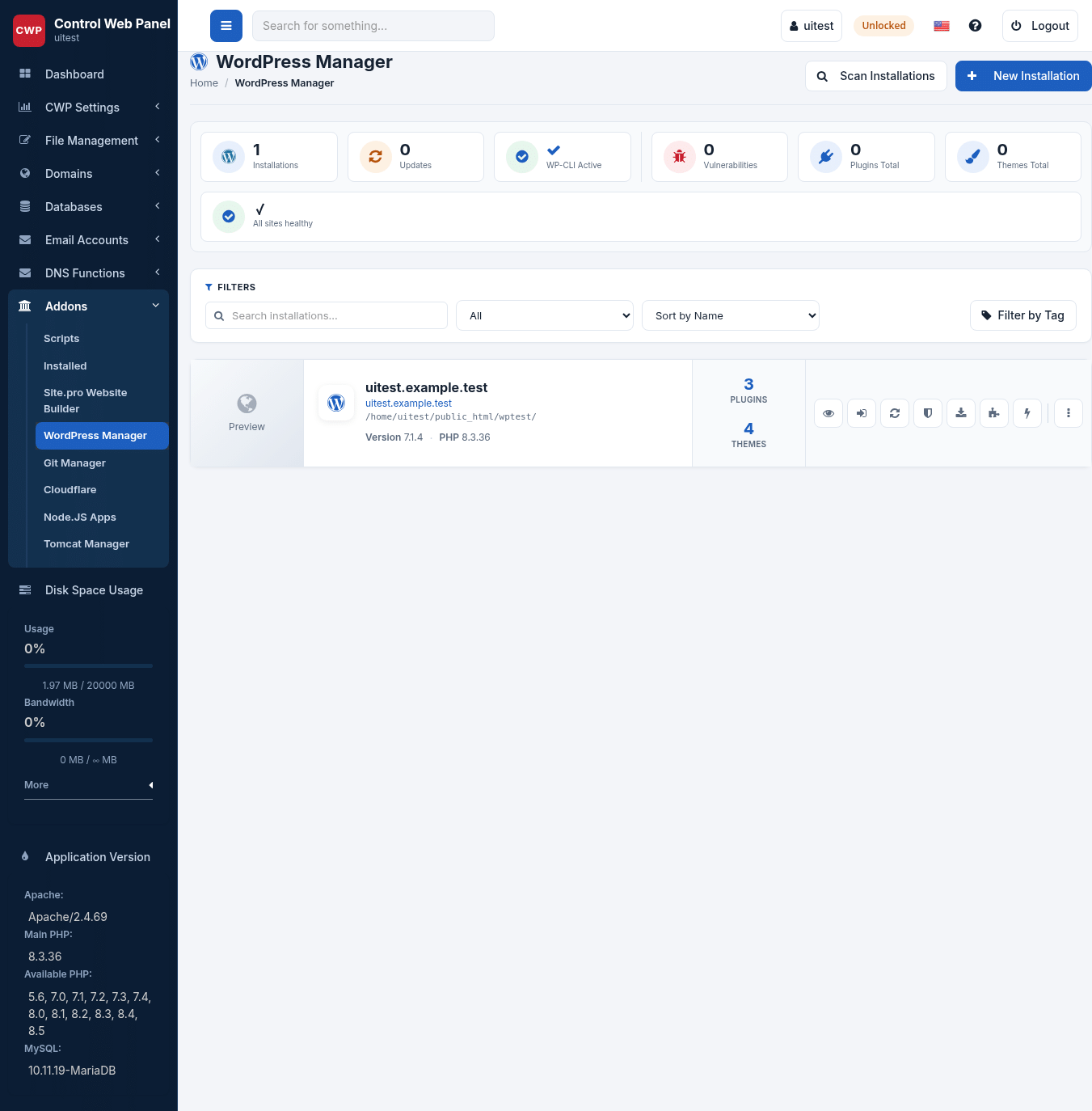
One-click everything
Install a fresh site in seconds, or scan and adopt WordPress you already have. Log in to wp-admin with secure single sign-on — no password needed.
Smart Update
Updates are tested on a temporary staging clone first — health and home-page checks — and only applied to the live site when they pass, with a backup taken first.
Clone & Staging
Copy a site to another domain or a staging area with files, database and URLs handled automatically. Test safely, then push to production.
Security & vulnerability scan
One-click hardening (disable file editor, block XML-RPC abuse, rotate salts and more), a live security score, a vulnerability scan against a threat feed and one-click patching with automatic rollback.
Backups, local & offsite
On-demand or scheduled full backups (files + database), sent offsite to SFTP, S3 or an rclone remote. A backup is taken automatically before risky actions, and restored in one click.
Free SSL, cache & speed
Issue free AutoSSL and switch the site to HTTPS in one click, enable page caching that works with LSAPI-Cache, and purge it instantly.
FOR ADMINS
Manage every site on the server
A server-wide fleet view lists every WordPress install across all accounts — core version, pending updates, SSL and known vulnerabilities.
Bulk actions
Update core, plugins and themes, toggle maintenance mode or auto-patch vulnerabilities across many sites at once — always run as the owning account, never as root.
Plugin & Theme Sets
Save a named bundle of plugins and themes once and apply it to new sites with one click.
Per-package feature
Enable WordPress Manager per hosting package from the Feature manager — and it’s included at no extra cost.